


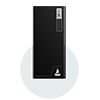



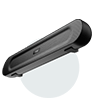




Quick Answer / TL;DR
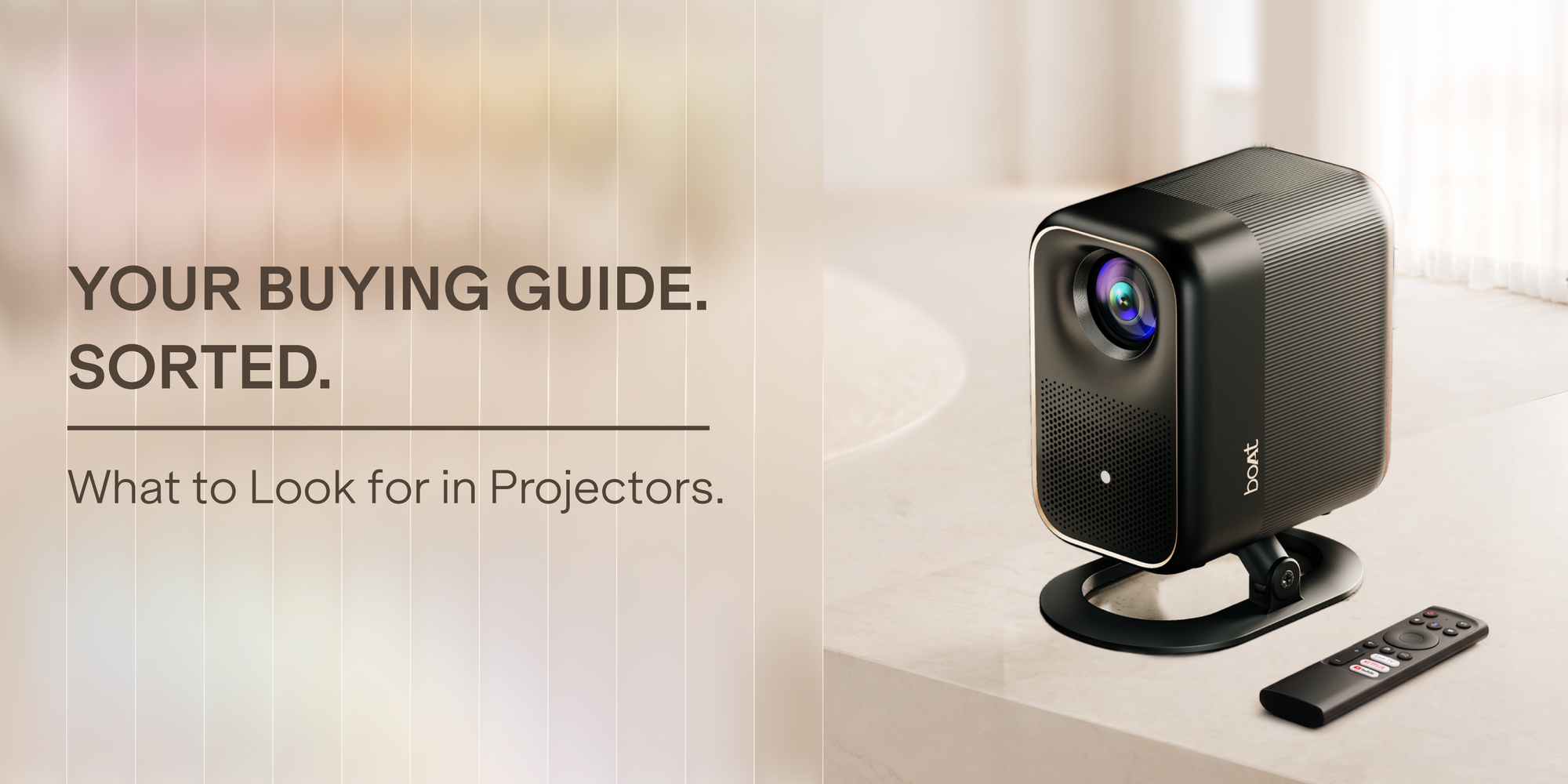
If Netflix isn't working on your projector, it’s likely because you bought a "fake" smart projector running an uncertified, sideloaded mobile Android OS. The new boAt CineHead F1 Series solves this with Official Google TV OS certification, Licensed Netflix playback, a Sealed Dust-Proof Optical Engine to eliminate black spots, and Native 1080p resolution with 4K support.
The "Fake Smart Projector" Trap: Why Netflix Fails on Most Projectors
If you’ve ever bought a budget projector online, you might have run into these classic, frustrating scenarios:
-
You open Netflix, only to see the error: "This app is not compatible with your device."
-
You are forced to use an awkward "mouse mode" or external TV stick just to browse menus.
-
After two months, mysterious black spots start appearing right in the middle of your screen.
-
The picture claims to be "1080p Supported" or "4000 Lumens," but looks blurry and washed out in reality.
These issues happen because most budget options are unlicensed Android devices. They use mobile phone operating systems hacked to fit a projector display, lack Widevine L1 DRM certification required for HD streaming, and use open optical engines that suck in dust like a vacuum.
Enter the boAt CineHead F1 Series—designed specifically to eliminate these compromises.
Key Pillars of the boAt CineHead F1 Series
1. Official Google TV OS & Native Netflix Support
No workarounds, no third-party APKs, and no clunky air-mice. The CineHead F1 Series runs on Official Google TV OS, giving you seamless, native access to Netflix, Prime Video, YouTube, Hotstar, and over 10,000+ apps directly from the Google Play Store. Enjoy smooth navigation, personalized content recommendations, and integrated Google Assistant voice control.

2. Fully Sealed Dust-Proof Optical Engine
Those annoying black dots on projected screens are caused by dust settling on the internal LCD panel or lens. Traditional projectors use open cooling channels that pull in dust particles over time.
boAt’s Sealed Dust-Proof Optical Engine completely isolates the optical components from incoming airflow. This extends the projector's lifespan, preserves image brightness, and keeps your screen 100% spot-free forever.
3. Native 1080p Full HD Resolution (with 4K Support)
Don't fall for "1080p Supported" marketing tricks (which often means a native 480p screen that downscales 1080p video). Both the CineHead F1 and F1 Pro deliver true Native 1080p Full HD resolution, ensuring crisp text, vibrant colors, and sharp details—with full decoding support for 4K content.

boAt CineHead F1 vs. CineHead F1 Pro: Which One Should You Buy?
To help you choose the right model for your space and budget, here is a breakdown of the hero specs:
|
Feature |
boAt CineHead F1 |
boAt CineHead F1 Pro |
|
Native Resolution |
1080p Full HD (4K Support) |
1080p Full HD (4K Support) |
|
Brightness |
300 ANSI Lumens |
500 ANSI Lumens |
|
Operating System |
Official Google TV OS |
Official Google TV OS |
|
Audio System |
6W Dolby Audio Speaker |
10W Dolby Audio Speaker |
|
Optical Engine |
Sealed Dust-Proof |
Sealed Dust-Proof |
|
Ideal Setup |
Bedrooms, dark rooms, cozy setups |
Living rooms, dim ambient light, big party nights |
Frequently Asked Questions
Why isn't Netflix working on my smart projector?
Netflix requires Widevine L1 DRM encryption and direct hardware-level certification to stream content. Most budget projectors use uncertified mobile Android OS, which Netflix blocks for security reasons. To watch Netflix natively without errors, you need a projector with Official Google TV OS like the boAt CineHead F1 Series.
What is the best smart projector with official Netflix and Google TV under ₹35k?
The boAt CineHead F1 Series (boAt CineHead F1 and F1 Pro) is built specifically to address this price point. It features Official Google TV OS certification, Native 1080p Full HD resolution, up to 500 ANSI Lumens, and built-in Dolby Audio, making it one of the most reliable all-in-one home theater solutions available under ₹35,000.
What causes black spots on a projector screen and how do you fix them?
Black spots occur when dust particles enter an unsealed optical chamber and settle on the LCD panel or glass lens heat sink. Cleaning them usually requires disassembling the projector, which can void warranties. The best fix is prevention: choosing a projector with a Sealed Dust-Proof Optical Engine like the boAt CineHead F1 series.
What is the difference between ANSI Lumens and standard "Lumens"?
Marketing "Lumens" or "Source Lumens" measure light directly at the LED bulb before it passes through the projector lens. ANSI Lumens is the official international standard measuring actual light landing on the projection surface. For example, 500 ANSI Lumens on the boAt CineHead F1 Pro offers real-world brightness suitable for comfortable viewing even with moderate ambient room light.
Upgrade Your Watch Zone
Stop settling for workaround apps, fuzzy resolutions, and dust spots. Upgrade your home cinema experience with the boAt CineHead F1 Series - real 1080p, real Google TV, real Netflix.