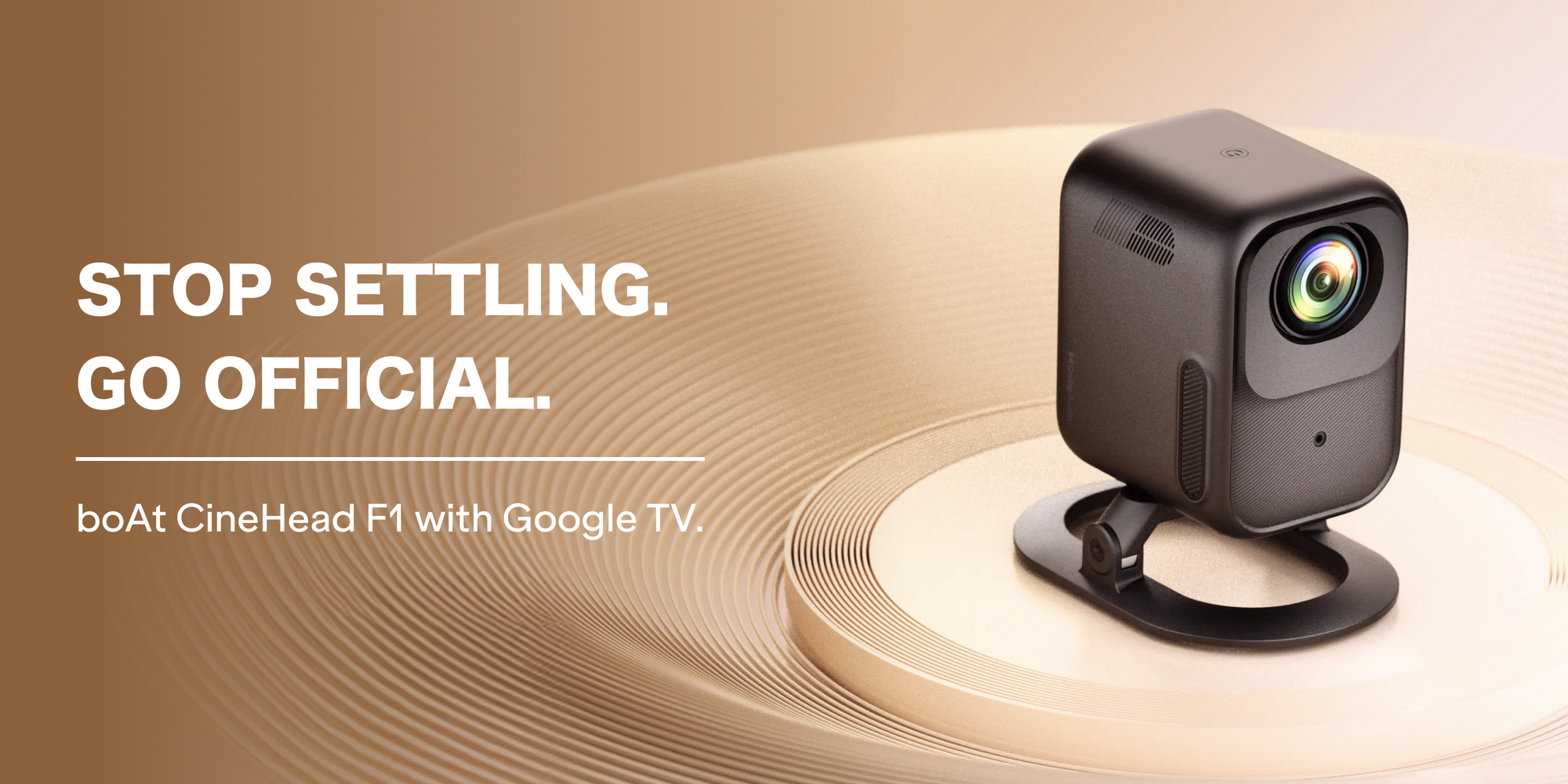



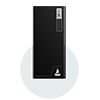



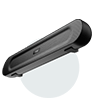




Smart projectors have replaced smart TVs as the default upgrade for home entertainment but “smart” is doing a lot of unearned work in most product listings. Before you buy, four factors separate a genuine smart home projector from a box that streams poorly and dims out in daylight: certified OS, true brightness, native resolution, and image correction. Here’s how to evaluate each one, and where the boAt CineHead F1 Pro & CineHead F1 sets the current benchmark.

1. Is It Official Google TV OS or Uncertified Android?
Answer: Only projectors licensed with Official Google TV OS guarantee Play Store access, Widevine L1 DRM, and Google-verified security updates. Projectors running a forked or “Android-based” skin without certification cannot officially guarantee the same.
Most budget and mid-range projectors advertise “Android OS” or “Android-based smart interface” - language that sounds equivalent to Google TV but isn’t. An uncertified build typically means:
• No guaranteed access to the Play Store (sideloading APKs is often required)
• No Widevine L1 certification, which blocks HD/FHD playback on Netflix, Prime Video, and Disney+ Hotstar even if the panel can display it
• No obligation from the manufacturer to ship Google security or feature updates
• Inconsistent voice assistant integration (Google Assistant may be simulated, not native)
What to check: Look for the explicit “Google TV” badge and Play Store branding on the product page - not just “Android based.” The CineHead F1 Pro & CineHead F1 runs on Official Google TV OS, giving it native Play Store access, built-in Chromecast, and Google Assistant voice control out of the box - the same certification standard as premium smart TVs, not a projector workaround.
2. How Many ANSI Lumens Do You Actually Need?
Answer: For usable daytime and mixed-lighting viewing, look for 300+ ANSI lumens, not “LED lumens” or “peak brightness” - figures that can inflate real output by 3–5x.
Lumens is the single most misrepresented spec in the projector category. Manufacturers frequently list:
|
Spec Type |
What It Measures |
Reliability |
|
LED Lumens / Peak Brightness |
Raw LED output before optical loss |
Marketing figure - not comparable across brands |
|
ANSI Lumens |
Brightness actually measured on-screen using the ANSI standard |
Industry-recognized, comparable, dependable |
A projector listed at “9000 lumens” with no ANSI qualifier may deliver an equivalent of 150–200 ANSI lumens in real-world output - enough for a pitch-dark room only. The number that should decide your purchase is the ANSI figure, since it reflects what actually reaches your screen.
The CineHead F1 Pro is rated at 500 ANSI Lumens - a transparent, on-screen-measured figure rather than an inflated LED number - built specifically so it holds up in living rooms with ambient light, not just blackout home theatres. (The standard CineHead F1 is rated at 300 ANSI Lumens, still comfortably clearing the 300+ baseline for mixed-lighting viewing.)
3. Native Resolution vs. “Supported” Resolution
Answer: Confirm the native panel resolution - ideally native 1080p (Full HD) - not just the maximum input or “supported” resolution listed in bold on the box.
This is the second-most common spec trick after lumens. A projector’s marketing may say “4K Supported,” which only means it can accept and downscale a 4K input signal - the actual imaging chip (usually 480p or 720p) is what determines picture sharpness. You’re watching the native resolution, always, regardless of what source file you feed it.
What to check:
• Native resolution is usually listed separately from “supported” or “input” resolution - read the fine print
• 1080p native panels deliver noticeably sharper text, cleaner edges, and better scaling of both HD and 4K content than 480p/720p panels claiming 4K “support”
• For screen sizes above 100", native resolution matters even more, since upscaling artifacts become visible at larger throws
The CineHead F1 Pro uses a native 1080p Full HD display panel with 4K input support - meaning it accepts and downscales 4K sources cleanly while sharpness itself is a hardware guarantee, not a downscaling claim. The standard CineHead F1 carries the same native 1080p / 4K-support panel, so both variants in the lineup meet this criterion identically.
4. Auto-Keystone Correction: Convenience or Necessity?
Answer: If you don’t have a dedicated, perfectly perpendicular mounting setup, auto-keystone correction isn’t a nice-to-have - it’s what keeps your image rectangular instead of trapezoidal.
Keystone distortion happens whenever a projector isn’t mounted at a perfect right angle to the screen - which, in most homes, is most of the time (coffee tables, shelves, uneven wall placement). There are three tiers of correction to know:
• No correction - image is manually adjustable only via physical repositioning
• Manual digital keystone - you adjust distortion via remote/menu sliders each time you move the projector
• Auto-keystone correction - onboard sensors detect the projection angle and correct the image automatically in real time
Auto-keystone matters most for households that reposition the projector often (movie night in the living room, then bedroom, then a garden screening) - it removes the setup friction that causes most first-time buyers to abandon projectors after a few uses.
The CineHead F1 Pro includes auto-keystone correction, so the image self-corrects to a clean rectangle on placement - no manual trapezoid-fixing before every watch session.
Bonus Criterion: Built-In Audio Quality
A projector that nails picture but ships with a tinny 2W speaker still needs a separate soundbar to feel complete. Look for a rated wattage and a named audio certification (e.g., Dolby Audio) rather than generic “stereo speakers” language.
The CineHead F1 Pro ships with a 10W Dolby Audio speaker, while the standard CineHead F1 carries a 6W Dolby Audio speaker - both certified, with the Pro variant sized for larger rooms and louder ambient conditions.
Quick Comparison: What to Verify Before You Buy
|
Criteria |
What to Look For |
Red Flag |
|
Operating System |
Official Google TV OS, Play Store badge |
“Android-based” without Google TV certification |
|
Brightness |
ANSI Lumens rating stated explicitly |
Only “LED Lumens” or unqualified “Lumens” figure |
|
Resolution |
Native 1080p panel confirmed |
“4K Supported” without native resolution disclosed |
|
Image Correction |
Auto-keystone (sensor-based, real-time) |
Manual keystone only, or no correction |
Where the CineHead F1 Pro Fits
Run each of these criteria against a listing, and most projectors fail at least one - usually the OS certification or the lumens honesty. The boAt CineHead F1 Pro is built around passing all of them simultaneously: Official Google TV OS, 500 ANSI Lumens brightness, a native 1080p panel with 4K support, auto-keystone correction, and a 10W Dolby Audio speaker - the combination that defines what a genuine Google TV projector should be, rather than what a spec sheet can be made to look like.

CineHead F1 vs. F1 Pro: At a Glance
|
Spec |
CineHead F1 |
CineHead F1 Pro |
|
Brightness |
300 ANSI Lumens |
500 ANSI Lumens |
|
Operating System |
Official Google TV OS |
Official Google TV OS |
|
Resolution |
1080p Full HD native, 4K support |
1080p Full HD native, 4K support |
|
Audio |
6W Dolby Audio speaker |
10W Dolby Audio speaker |
Both variants clear every filter in this guide - the choice between them comes down to room size and how much ambient light and volume you need to cut through, not a trade-off in core smart projector fundamentals.
FAQs
1. Is Google TV better than Android OS for a projector?
Yes, when it’s officially certified. Google TV OS guarantees Play Store access, Widevine L1 DRM for HD streaming, and Google-issued updates - an uncertified “Android-based” OS offers none of these as a guarantee.
2. What ANSI lumens is good for a home projector?
300+ ANSI lumens is a reliable baseline for rooms with some ambient light. Always check for the “ANSI” qualifier - unqualified lumens figures are not comparable or reliable.
3. Does native 1080p matter if a projector supports 4K input?
Yes. “4K support” only refers to the input signal being accepted and downscaled; the native panel resolution is what determines the actual sharpness of the image you see.
4. Is auto-keystone correction necessary?
It’s necessary for anyone who doesn’t have a fixed, perfectly perpendicular projector mount - which is most home setups. It saves you from manually correcting a trapezoidal image every time you reposition or restart the projector.
5. Does boAt offer any warranty on its projectors?
Yes, boAt offers a 1-year domestic warranty on its projectors, including the CineHead range. You must register the product on the official website to claim it.